Kurogane Discord, Group & Community Links
Invites, code channels, and manners that keep the Kurogane campus welcoming.
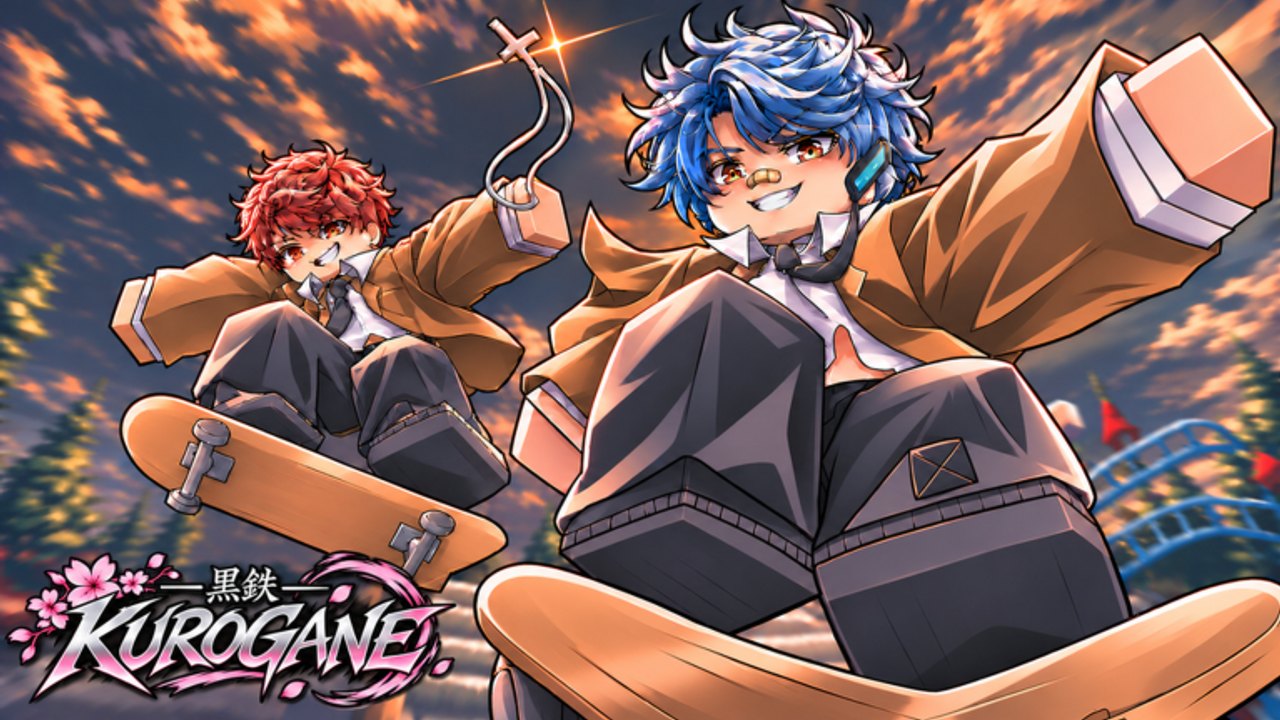
Kurogane’s campus life extends past the Roblox client. Patch notes, apology codes, fashion screenshots, and rematch squads all move faster on Discord than in ephemeral server chat. This page collects the official Kurogane Discord, the Roblox group behind the experience, and practical etiquette so you stay helpful instead of noisy.
Bookmark this guide next to the Players Hub, Codes Hub, and Getting Started walkthrough. Together they cover who to talk to, what to redeem, and how to survive your first school day.
Official Discord invite
Join the official Kurogane Discord for developer announcements, community events, and peer help. Verify when the server asks, read the rules channel before posting, and mute categories you do not need so important update pings still stand out.
Discord is usually where visit-milestone codes, rename celebrations, and “we are back” style rewards appear first. After you see a code there, cross-check the live list on our Codes page and redeem in-game through the Rewards → Codes flow. Never pay a stranger for a “private code list”—legit drops are free in official channels.
Roblox group: next project!
Kurogane is published by the Roblox group next project! (group id 979232724), with ownership under KuroganeHolder. Joining the group keeps you aligned with group shouts, experience links, and community identity. Open the group from Roblox search or community pages, request join if required, and favorite the Kurogane experience so update badges are harder to miss.
Group membership also signals you are invested when you ask questions. Moderators and helpful veterans are more willing to explain rerolls, Yen sinks, and accessory goals when you show you already support the project.
How to find codes in Discord
- Open the official Kurogane Discord and complete verification.
- Scan announcement or codes-related channels first—do not necromance old threads for expired strings.
- Copy codes exactly; capitalization usually matters.
- Launch Kurogane, open Rewards on the left, choose Codes, paste, and redeem.
- Confirm the reward text (rerolls, wheel spins, or other gifts), then update your personal checklist.
- Mirror the drop on this wiki’s Codes page mindset: if a code fails, it may already be expired or mistyped—ask politely in Discord instead of spamming the same string.
Milestone nights after visit goals or major patches often ship several codes at once. Keep Yen and reroll inventory space in mind so you can actually use the gifts. When a fighting-style patch lands—like the Shinobi update—codes frequently accompany the notes so players can reroll into the new fantasy faster. Pair those drops with How to Reroll once that guide is on your reading list.
Community etiquette that keeps you welcome
Do
- Read rules and FAQ pins before asking repeated questions.
- Search the channel for your topic; someone probably answered yesterday.
- Share clips or tips with context (“PC controls,” “mobile block,” “Shinobi matchup”) so others can find them later.
- Credit creators when you forward a guide or thumbnail.
- Move long arguments to DMs or stop when a mod asks.
Don’t
- Beg for Robux, rare accessories, or account recoveries in public chat.
- Post suspicious third-party “script” links—use caution and prefer this wiki’s Scripts Hub discussion framing over random DMs.
- Dox, harass, or brigade players you beat (or who beat you) on campus.
- Flood announcement channels with memes during patch rollout.
- Impersonate developers or claim fake staff roles.
Good etiquette also means knowing when to take a fight offline. If a duel goes toxic in-game, mute, switch servers, and debrief on Discord only if everyone involved wants a calm review. The Players Hub expands on campus social tips for making friends without turning every hallway into a flame war.
Using Discord alongside the wiki
Discord is fast; the wiki is structured. Use Discord for “is this code live right now?” and voice hangouts. Use the wiki for evergreen answers: Controls for device inputs, Updates for patch history, Tier List for style rankings, and the Links Hub when you need a clean list of official URLs to paste into a friend’s DMs.
When you help a new student, send three links max: Discord invite, Getting Started, and Codes. Overwhelm helps no one. If they ask about movement or blocking, add Controls. If they ask what changed this week, add the latest update article such as Shinobi update.
Safety and account hygiene
Enable Roblox 2-step verification. Never type your password into Discord forms. Ignore “free Robux” bots. If a “mod” DMs first offering recovery help, compare their role tags in the official server before trusting them—real staff rarely cold-DM password resets. Report phishing to Discord and Roblox.
Screenshots of inventory and limited accessories are fun to share, but crop out private info. When trading fashion advice, describe rolls and Yen costs without linking external marketplaces that violate Roblox rules.
Building a campus circle
Create a small friend group that shares goals: fashion collectors, duel practice partners, or update watchers. Schedule short sessions after school hours in your timezone. Use Discord events or pinned messages for weekly spar nights. Rotate who hosts so nobody burns out.
Bring wiki knowledge into those nights. Test new Shinobi tools, compare notes against the fighting styles tier list, and log which codes still work so your channel stays accurate. Community memory beats any single player’s notepad.
Quick link checklist
- Official Kurogane Discord
- Play Kurogane on Roblox
- Roblox group next project! (id 979232724)
- Wiki: Players Hub, Codes, Getting Started, Updates, Links Hub
Stay curious, stay kind, and treat Discord as the hallway between classes—loud enough to find your people, calm enough that everyone still wants to show up tomorrow.
Frequently Asked Questions
Quick answers for Kurogane students and fighters.
What is the official Kurogane Discord invite?
Use the [official Kurogane Discord](https://discord.com/invite/UtYPAdDuyg). Verify on join and read the rules before posting.
Where are codes posted first?
Usually in official Discord announcement or codes channels, then mirrored on our Codes page for an easy redeem checklist.
Do I need to join the Roblox group?
It is strongly recommended. The next project! group (id 979232724) is the home community for Kurogane updates and identity.
How should I ask for help without annoying people?
Search first, state your platform and issue in one message, and link what you already tried from Getting Started or Controls.
Are Discord mods the same as Roblox admins?
No. Discord moderators enforce server rules; Roblox moderators enforce platform rules. Use the correct report tools for each space.