Kurogane Updates & Patch Notes
Follow Kurogane drops from Discord to campus and spend rewards wisely.
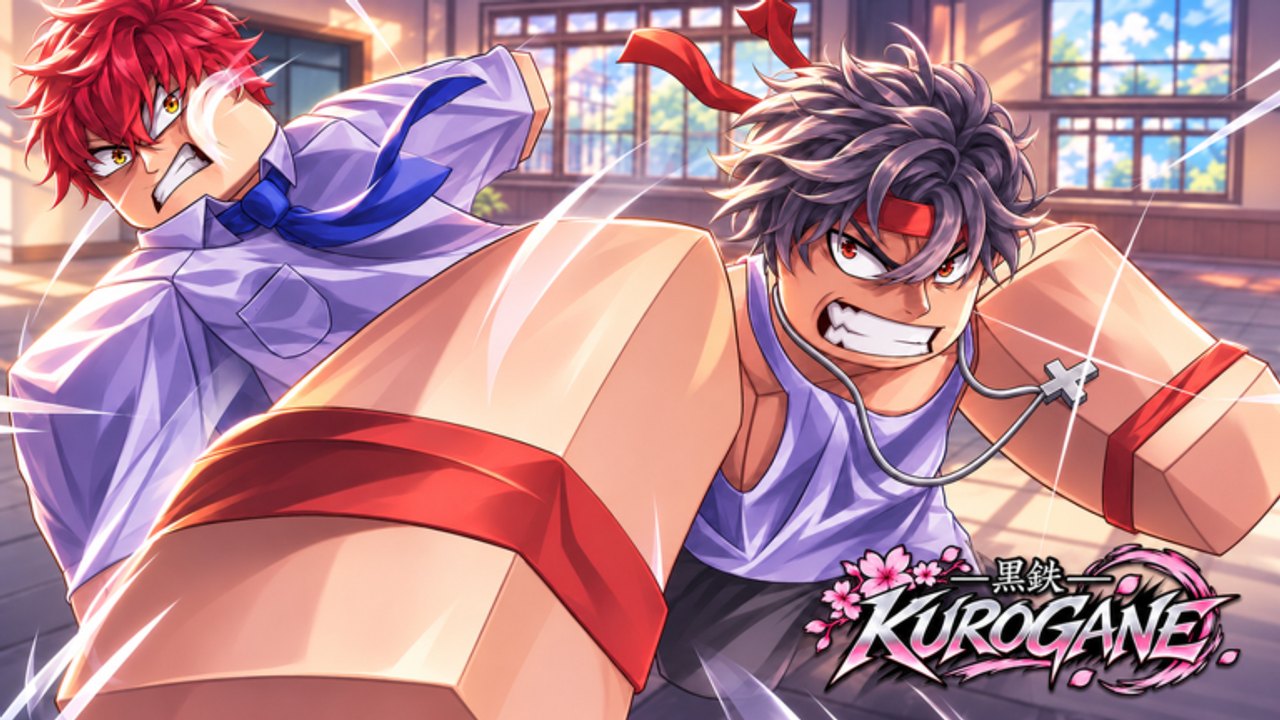
Kurogane iterates like most live Roblox battlegrounds: combat tweaks, accessory pools, quality-of-life fixes, and occasional headline fighting styles. This Updates Hub explains how patches usually land, why visit-milestone codes appear beside them, and where to read deep notes such as the Shinobi update.
Keep Codes, Discord links, and the Links Hub nearby. Announcements travel Discord → group shout → in-experience banners, and this wiki turns those bursts into durable guides.
How Kurogane updates usually drop
- Teasers in Discord — developers or staff hint at themes (new style fantasy, balance pass, rename celebration).
- Maintenance window — servers may restart; expect short downtime and a “we are back” style message afterward.
- Patch notes — bullet lists covering moves, accessories, bug fixes, and known issues.
- Companion codes — rerolls and wheel spins help the community sample new content without a pure Yen wall.
- Community testing — players theorycraft matchups, then tier lists and guides catch up.
Favorite the Kurogane experience and join the official Kurogane Discord so you see steps one through four in real time. Afterward, return here for structured write-ups.
Milestone codes and apology drops
Visit milestones (hundreds of thousands to millions of plays), like goals, duel events, and rename moments often ship free rerolls. Apology codes after rough launches are also common. Always redeem through the in-game Rewards → Codes UI and track actives on the Codes Hub.
Treat codes as patch fuel, not the patch itself. A Shinobi-themed drop is more valuable if you understand the style’s role, dash, and punish windows—read the Shinobi update, then decide whether to burn rerolls immediately or wait for community consensus on the fighting styles tier list.
Featured and upcoming notes
- Shinobi update — recent fighting-style focused patch with related codes and a mid-article showcase video. Start here if you are returning after a break.
- More update articles will land under this hub as major content ships. Each page should answer what changed, how to practice it, and which wiki tools to open next.
What to do after every patch
- Skim notes for combat changes that affect your main style.
- Redeem new codes on Codes before they expire.
- Warm up in a quiet corner using Controls reminders if you swapped devices.
- Spar friends from the Players Hub community instead of only pub stomping new students.
- Check How to Reroll if the patch expands accessory or style pools you care about.
- Revisit Getting Started only if onboarding flows changed—most veterans can skip straight to combat drills.
Reading patch notes without getting lost
Official notes are short; community interpretation fills the gaps. Separate facts (new move added, bug fixed) from opinions (style is S-tier overnight). Use this hub for facts and timelines, the Tier List Hub for evolving opinions, and Discord for rapid questions. When two guides disagree, test in-game—Kurogane’s school map makes side-by-side spars easy.
Balance hotfixes can land days after a headline update. If a move suddenly feels weaker, re-read the latest article and Discord pins before assuming your internet failed you.
Cross-links for patch nights
- Social: Players Hub, Discord links
- Progress: Codes, How to Reroll, Getting Started
- Combat: Shinobi update, fighting styles tier list, Controls
- Directory: Tools Hub, Links Hub
Updates keep Kurogane’s campus feeling alive. Show up informed, spend rewards on purpose, and help newer students understand what changed instead of only flexing the new glow.
Frequently Asked Questions
Quick answers for Kurogane students and fighters.
Where should I look first when a Kurogane update drops?
Check Discord announcements, then this Updates Hub. For the recent style patch, open the Shinobi update article.
Why do codes appear with updates?
Milestone and apology codes help players sample new styles and accessories via free rerolls. Redeem them on the Codes page checklist.
How often does Kurogane update?
Cadence varies. Watch the official Discord and Roblox favorites feed; this hub summarizes major drops once notes are clear.
What should I do with rerolls after a fighting-style patch?
Learn the kit summary first, then decide with How to Reroll and community tier chatter on fighting styles.